Project kickoff
Agree on the goals, meet the team, and outline the first milestones.
 Kmaterialize
Show milestones, activity, or a story in chronological order. Cards alternate around a connecting line and become a single column when the timeline has 600px or less of available space.
Use timeline, timeline-event, timeline-content, and timeline-badge. These styles are included in kmaterialize; no JavaScript initialization is required.
Agree on the goals, meet the team, and outline the first milestones.
Bring the idea to life with a working prototype and share it with the team.
Review the details, collect feedback, and prepare the final changes.
Release the project and celebrate the work that brought it here.
<ol class="timeline" role="list" aria-label="Project milestones">
  <li class="timeline-event">
    <article class="card timeline-content">
      <div class="card-content">
        <time class="on-surface-variant-text" datetime="2026-09-01">September 1, 2026</time>
        <h4 class="card-title mt-0">Project kickoff</h4>
        <p>Agree on the goals, meet the team, and outline the first milestones.</p>
      </div>
    </article>
    <span class="timeline-badge " aria-hidden="true"><i class="material-icons">flag</i></span>
  </li>
  <li class="timeline-event">
    <article class="card timeline-content">
      <div class="card-content">
        <time class="on-surface-variant-text" datetime="2026-09-05">September 5, 2026</time>
        <h4 class="card-title mt-0">First prototype</h4>
        <p>Bring the idea to life with a working prototype and share it with the team.</p>
      </div>
    </article>
    <span class="timeline-badge tertiary on-tertiary-text" aria-hidden="true"><i class="material-icons">design_services</i></span>
  </li>
</ol>Combine the timeline with regular image cards and gradient titles. An empty timeline-badge becomes a small dot. Links and card actions keep their usual behavior.
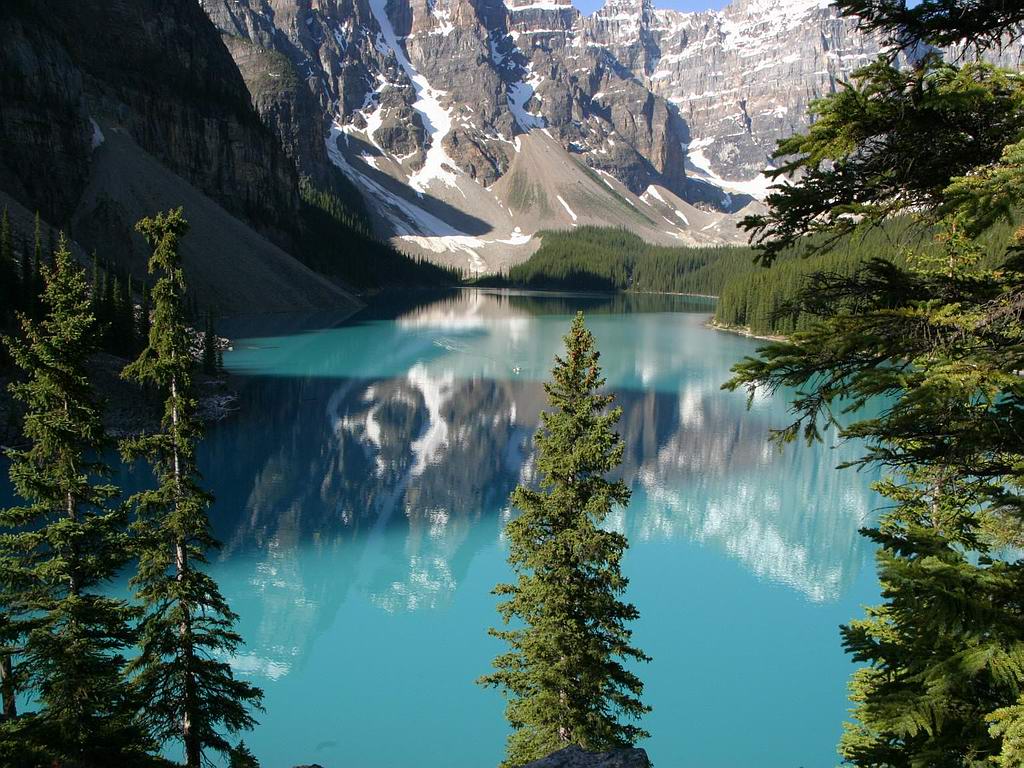 Into the mountains
A quiet morning by the lake before the next adventure.
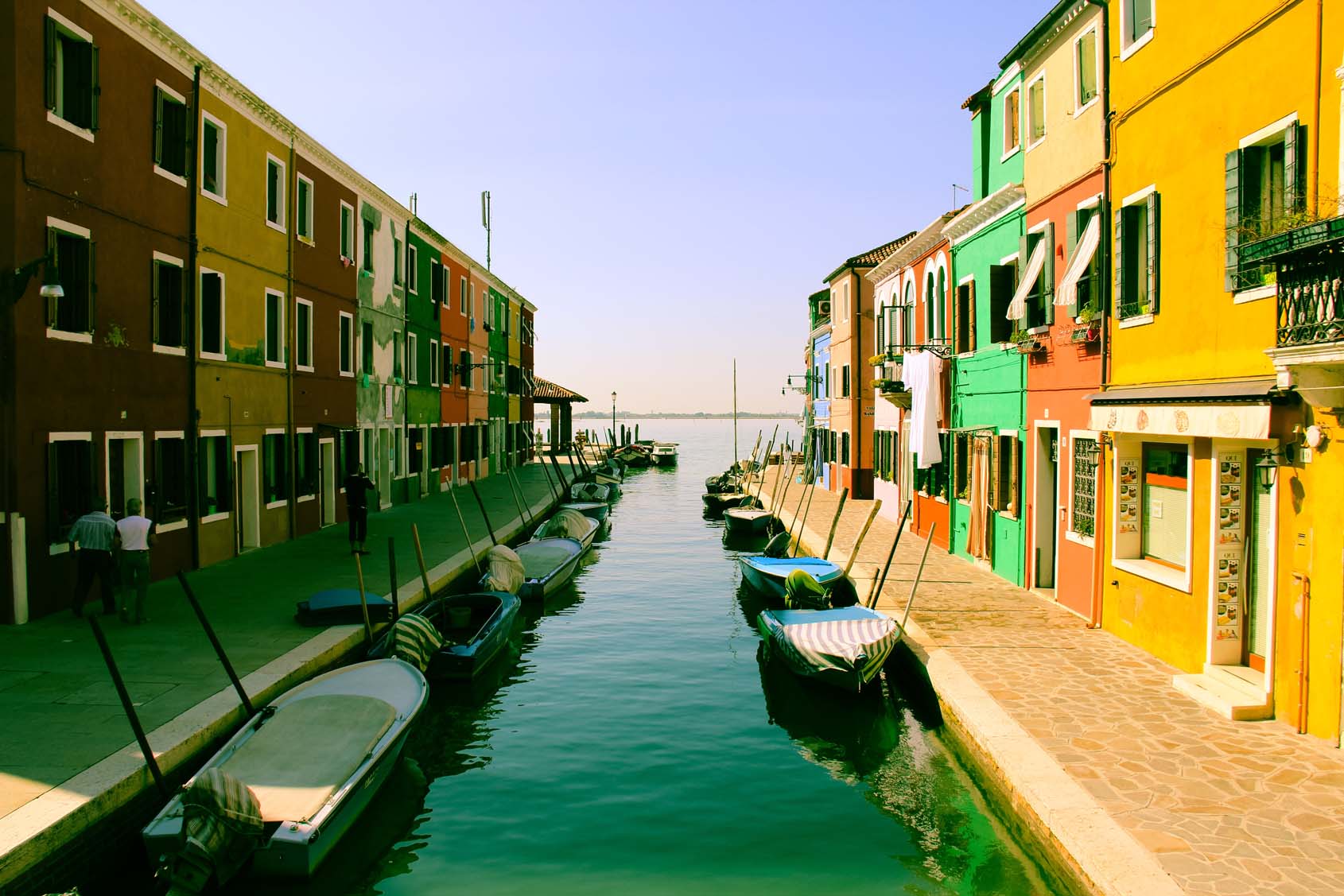 A new perspective
Explore the city, meet new people, and find inspiration along the way.
<ol class="timeline" role="list" aria-label="Travel journal">
  <li class="timeline-event">
    <article class="card timeline-content">
      <div class="card-image">
        <img src="images/sample-1.jpg" alt="A mountain lake surrounded by trees">
        <span class="card-title gradient">Into the mountains</span>
      </div>
      <div class="card-content">
        <time class="on-surface-variant-text" datetime="2026-08-14">August 14, 2026</time>
        <p>A quiet morning by the lake before the next adventure.</p>
      </div>
      <div class="card-action"><a href="cards.html#image-gradient">Image card details</a></div>
    </article>
    <span class="timeline-badge" aria-hidden="true"></span>
  </li>
  <li class="timeline-event">
    <article class="card timeline-content">
      <div class="card-image">
        <img src="images/parallax1.jpg" alt="Colorful buildings beside a canal">
        <span class="card-title gradient">A new perspective</span>
      </div>
      <div class="card-content">
        <time class="on-surface-variant-text" datetime="2026-08-17">August 17, 2026</time>
        <p>Explore the city, meet new people, and find inspiration along the way.</p>
      </div>
    </article>
    <span class="timeline-badge tertiary" aria-hidden="true"></span>
  </li>
</ol>Add timeline-left to keep the markers at the start and all cards on one side at every width. This layout also follows the page's text direction.
Your order is confirmed and ready for preparation.
The parcel has left the warehouse.
The parcel was delivered to the reception desk.
<ol class="timeline timeline-left" role="list" aria-label="Order activity">
  <li class="timeline-event">
    <article class="card timeline-content">
      <div class="card-content">
        <time class="on-surface-variant-text" datetime="2026-09-16">September 16, 2026</time>
        <h4 class="card-title mt-0">Order confirmed</h4>
        <p>Your order is confirmed.</p>
      </div>
    </article>
    <span class="timeline-badge " aria-hidden="true"><i class="material-icons">receipt_long</i></span>
  </li>
</ol>Use paired color utilities on icon markers, such as tertiary on-tertiary-text. Colors follow the current light or dark theme.
| CSS variable | Default | Purpose |
|---|---|---|
--timeline-line-color | Outline variant | Connecting line color |
--timeline-line-width | 2px | Connecting line thickness |
--timeline-badge-size | 40px | Icon marker size; empty dots remain 16px |
--timeline-marker-gap | 12px | Clear space between each marker and the connecting line |
--timeline-gap | 16px | Space between markers and cards |
--timeline-event-spacing | 12px | Space above and below each event |
<ol class="timeline timeline-left" role="list" aria-label="Project milestones"
    style="--timeline-line-color: var(--md-sys-color-tertiary); --timeline-gap: 24px; --timeline-badge-size: 48px;">
  <!-- Add timeline-event items here. -->
</ol>Keep events in chronological order in the markup. Use an ordered list with an accessible label and time datetime="…" for dates. Decorative markers use aria-hidden="true"; describe the event or status in the card text. The visual alternation does not change reading or keyboard order.
Inspired by Jay Holtslander's image timeline and the Materialize icon timeline.